Overview
Working from home can be a game-changer, but only if your space supports your goals. Setting Up Your Home Office for Productivity isn’t just about a desk and a chair—it’s about creating an environment that keeps you focused, comfortable, and energized. This guide dives into practical steps, ergonomic tools, and personal insights to help you build a workspace that works as hard as you do.
Why Your Home Office Matters
Your home office is more than a place to sit—it’s where ideas come to life. A cluttered desk or an uncomfortable chair can sap your energy and focus. Studies show that a well-designed workspace can boost productivity by up to 20%. According to a study from the University of Warwick, employees in optimized environments report higher job satisfaction and output. Let’s break down how to make your home office a productivity hub.
Step 1: Choose the Right Location
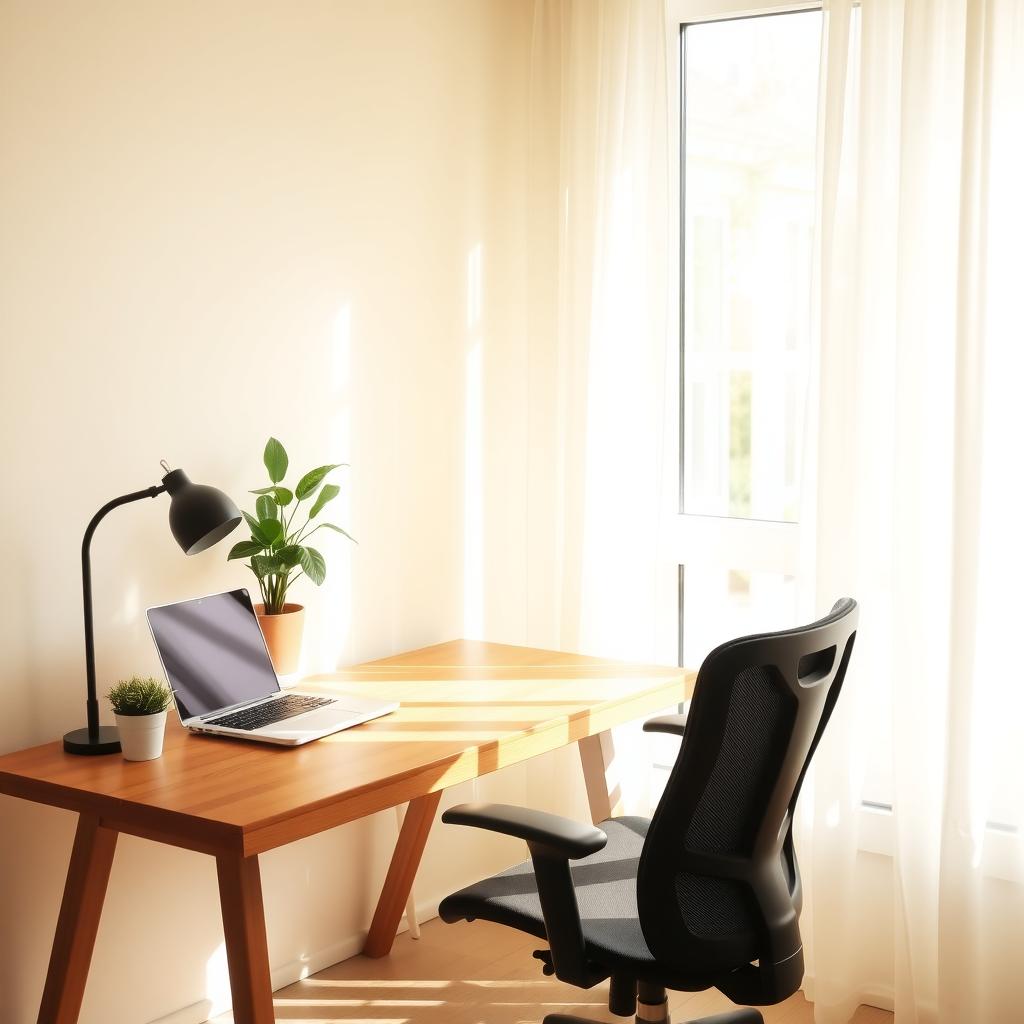
The first step in Setting Up Your Home Office for Productivity is picking the right spot. A quiet corner away from household distractions is ideal. If possible, choose a space with natural light—research from Cornell University shows it reduces eye strain and improves mood. My first home office was in a noisy living room, and I struggled to focus. Moving to a spare bedroom made all the difference.
Consider these factors when choosing your space: - Noise Levels: Avoid high-traffic areas like kitchens. - Lighting: Natural light is best, but soft, adjustable desk lamps work too. - Privacy: A door or partition helps set boundaries.
If you’re tight on space, a foldable desk in a closet can work wonders.
Step 2: Invest in Ergonomic Furniture
Maximizing Productivity with Ergonomic Tools starts with your chair and desk. Sitting for hours in a poorly designed chair can lead to back pain and fatigue. I learned this the hard way after months of using a dining chair—my back was screaming by noon. An ergonomic chair with lumbar support and adjustable height is a must. Look for desks that allow sitting or standing to switch positions during the day.
Here’s a quick checklist for ergonomic furniture: | Item | Key Features | Why It Matters | |------|--------------|---------------| | Chair | Lumbar support, adjustable height | Reduces back strain | | Desk | Height-adjustable, spacious surface | Supports posture and organization | | Monitor Stand | Raises screen to eye level | Prevents neck strain |
A report from the Occupational Safety and Health Administration emphasizes that ergonomic setups reduce workplace injuries by up to 60%.
Step 3: Equip with Ergonomic Hand Tools
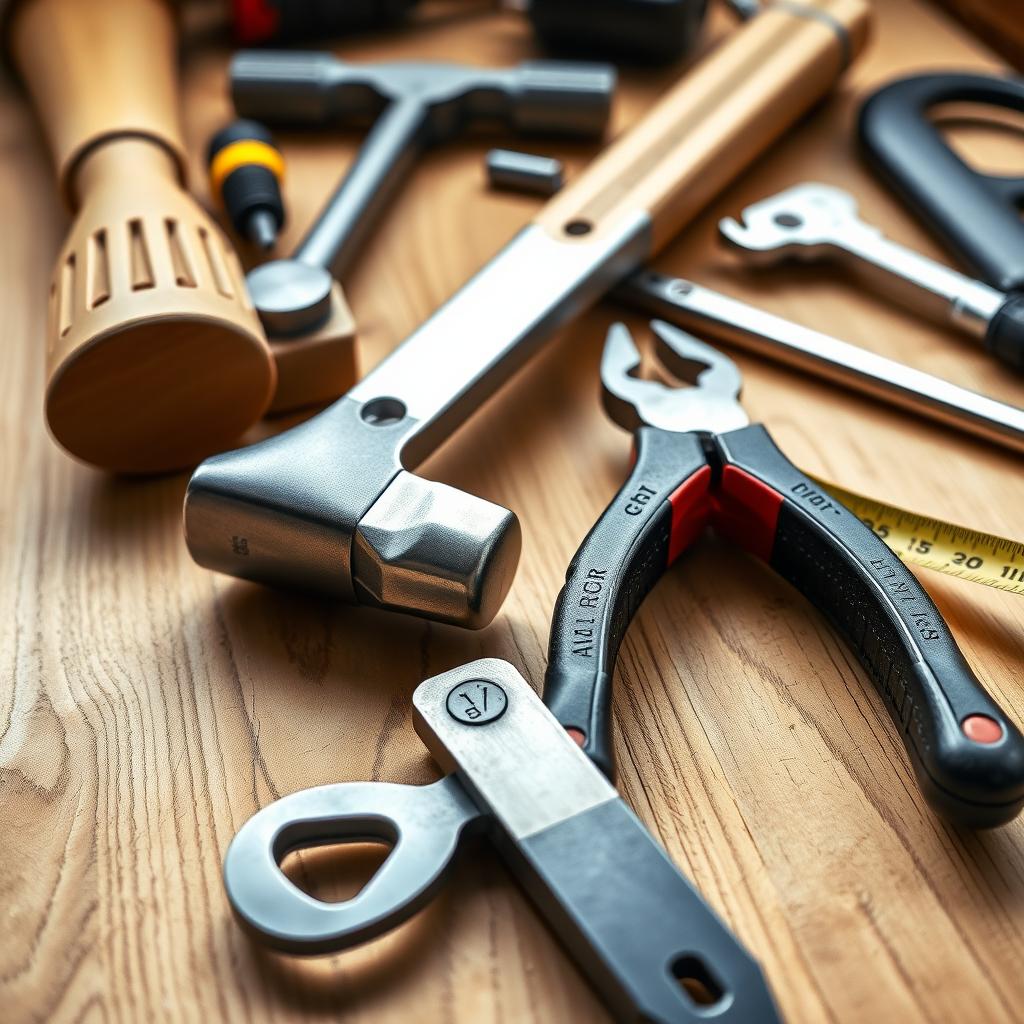
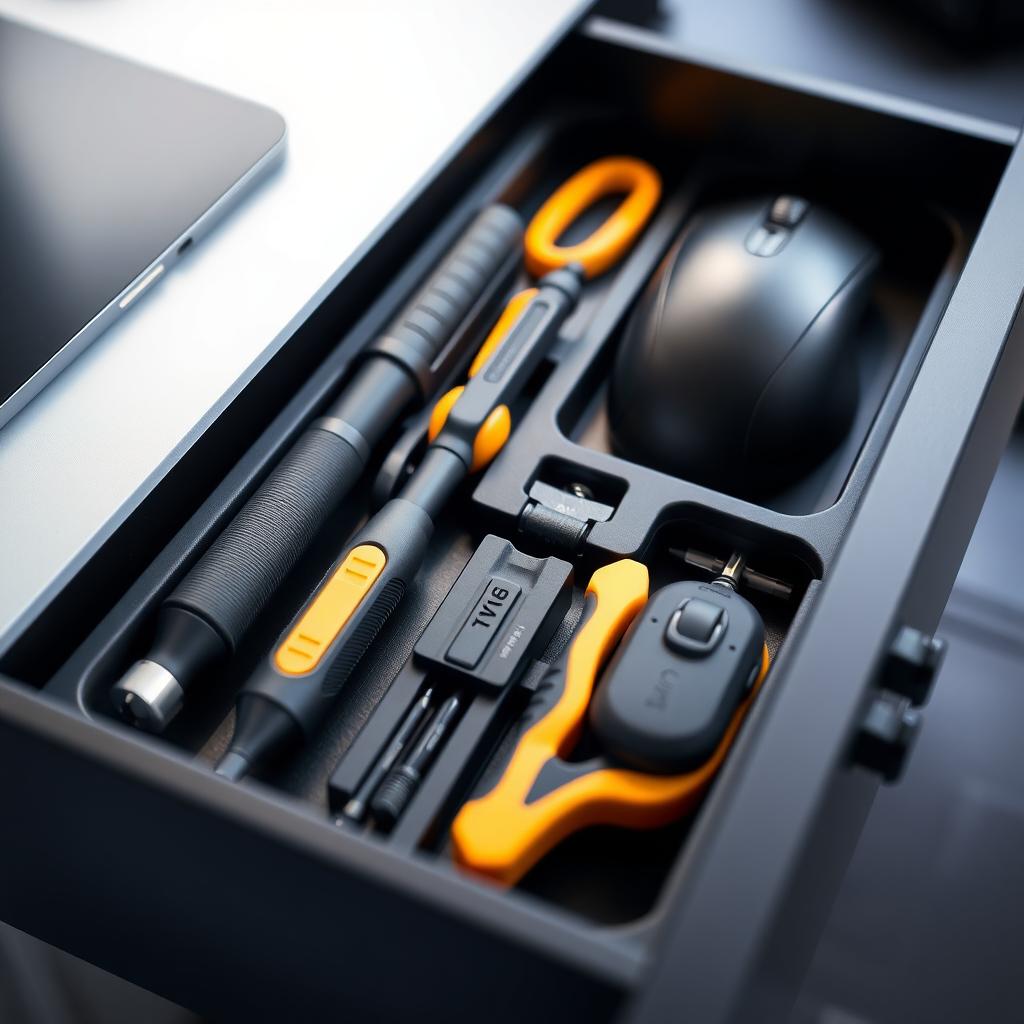
Don’t overlook the small stuff. Ergonomic hand tools for reduced strain can make repetitive tasks like writing or crafting less taxing. For example, I use an ergonomic pen with a cushioned grip for note-taking—it’s a game-changer for long meetings. If your work involves hand tools or workman tools like screwdrivers or pliers (say, for DIY projects or repairs), choose ones with padded handles and balanced weight.
Some great options include: - Ergonomic Pens: Try the Pilot Dr. Grip for comfort. - Precision Screwdrivers: Look for cushioned grips to avoid wrist strain. - Mouse and Keyboard: Opt for curved designs to support natural hand positioning.
These tools aren’t just for comfort—they keep you working longer without fatigue.
Step 4: Organize for Efficiency
A cluttered desk kills focus. I used to pile papers and gadgets everywhere, thinking I’d ‘deal with it later.’ Spoiler: I didn’t. Now, I use a simple system: a small tray for daily essentials, a file organizer for papers, and cable clips to tame wires. Keep only what you need within arm’s reach. A study by Princeton University found that clutter can increase stress and reduce concentration.
Try these organization tips: - Declutter Weekly: Spend 10 minutes every Friday tidying up. - Use Digital Tools: Apps like Trello or Notion can replace paper notes. - Label Everything: It saves time searching for files or tools.
Step 5: Personalize Your Space
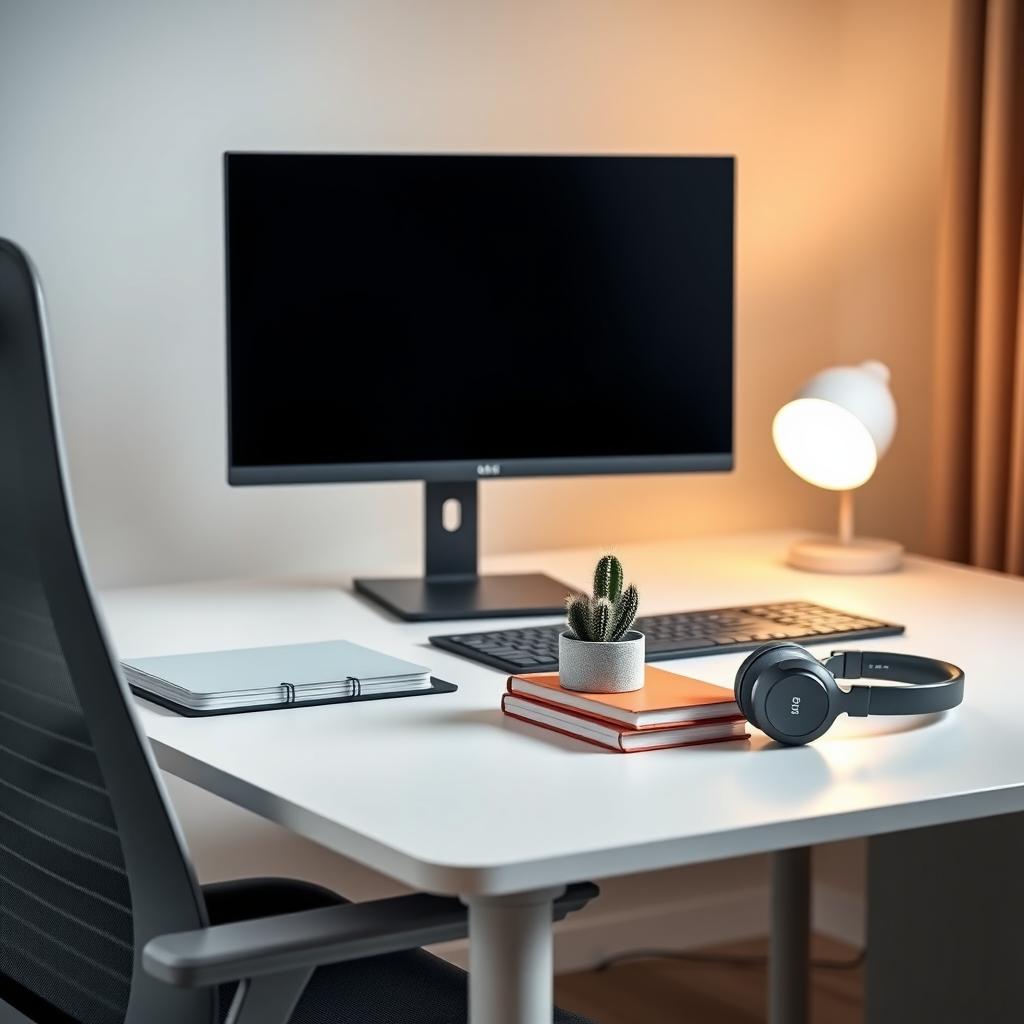
Your office should feel like you. Add a plant, a favorite photo, or a colorful mug to make the space inviting. I keep a small cactus on my desk—it’s low-maintenance and adds a touch of green. But don’t overdo it; too many knickknacks can distract. Balance personal touches with a clean, functional setup.
Step 6: Optimize Lighting and Sound
Lighting and sound are productivity game-changers. Harsh overhead lights can cause headaches, so I use a desk lamp with adjustable brightness. For sound, noise-canceling headphones are a lifesaver in a busy household. If you prefer background noise, try instrumental music or white noise apps to stay focused.
Step 7: Set Boundaries and Routines
A productive office needs rules. Set specific work hours and communicate them to family or roommates. I start my day with a 10-minute planning session to prioritize tasks—it keeps me on track. Take breaks every 90 minutes to stretch or walk; it boosts energy and prevents burnout.
Common Pitfalls to Avoid
- Skipping Ergonomics: Cheap chairs save money but cost you in comfort.
- Overloading Your Desk: Keep it minimal to stay focused.
- Ignoring Breaks: Working non-stop leads to burnout.
Fixing these early saves headaches later.
Summary
Setting Up Your Home Office for Productivity is about blending comfort, function, and personal style. From ergonomic chairs to hand tools designed for reduced strain, every detail matters. Create a space that supports your focus, and you’ll work smarter, not harder. Check out the recommended readings below for more tips!
Related Setting Up Your Home Office for Productivity:
- Best Practices for Work-from-Home Boundaries: Boost Productivity and Balance
- 10 Essential Painting Tools Every Painter Should Have
- The Best Power Tools for Automotive Repair: A Comprehensive Guide
- Top Power Tools for Your Workshop: Must-Haves for Woodworking Enthusiasts
- Hand Tools Maintenance Tips: Keep Your DIY Arsenal in Top Shape
- Comprehensive Guide to Choosing Workman Tools
- The Best Wrenches for Mechanics: Top Picks for Durability and Performance
- The Future of Automation Tech: Revolutionizing Industries with Smart Tools
- Painting Techniques for Beginners: A Step-by-Step Guide
- The Evolution of Workman Tools: From Stone Age to Modern Day
- Best Ratcheting Wrenches for Fast Repairs: Your Ultimate Guide
- A Guide to Choosing the Right Wrenches for Any Job